




























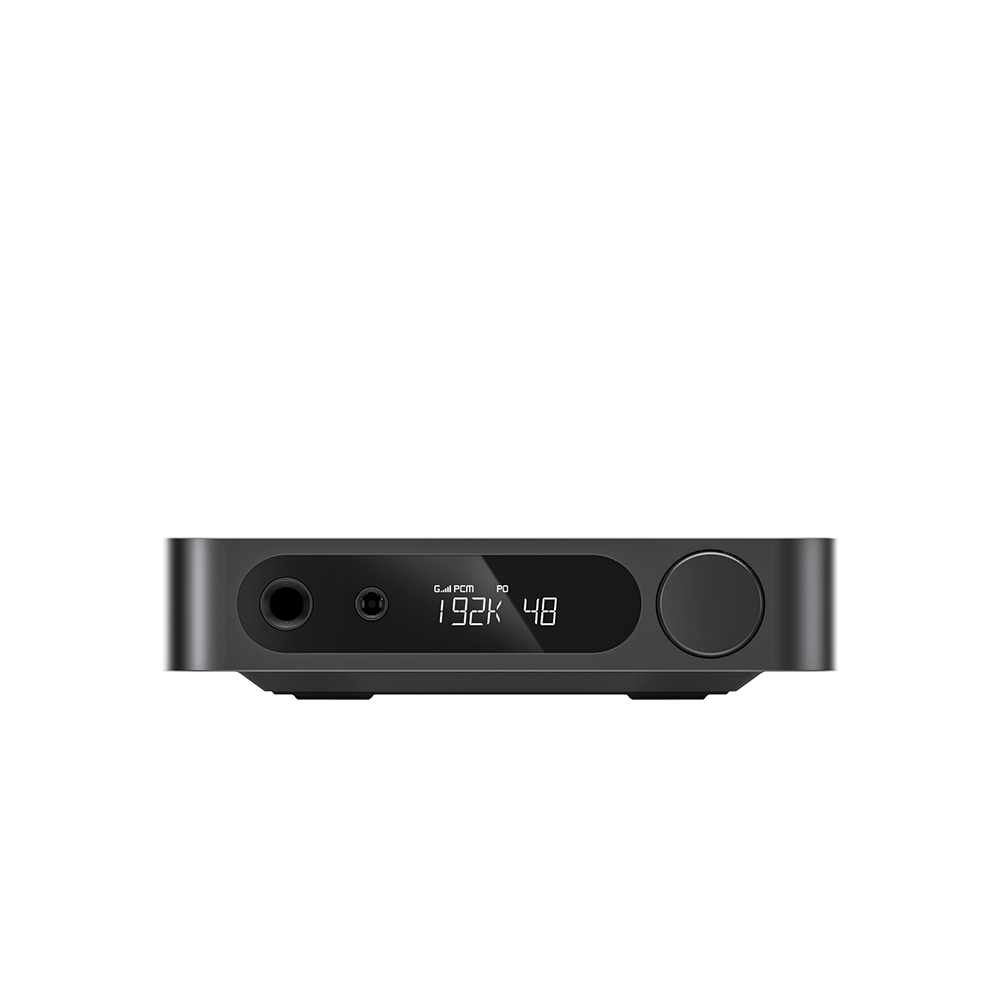













































7. BEATBOX button instructions
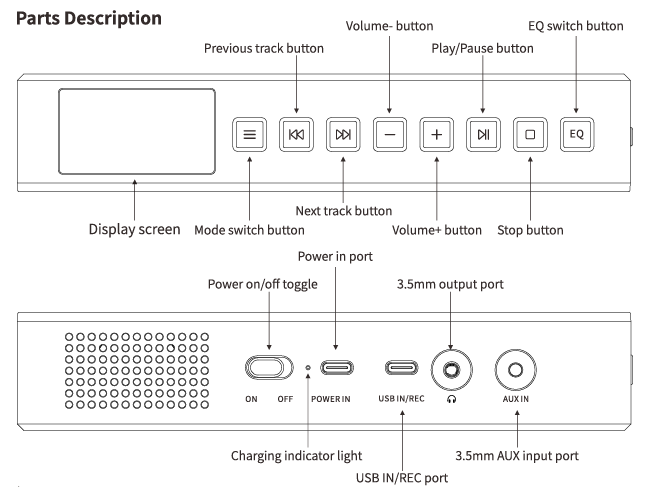
【Mode Switch Button】
Short press to switch between modes. There are 5 modes in total, namely Bluetooth/LINE IN/
CD/FM/USB modes.
【Previous Track Button】
CD Mode: Short press to skip to previous track; long press during stop state to enter ripping mode
FM Mode: Short press to decrease frequency by 0.1MHz; long press to auto-scan previous radio station
LINE Mode: Long press for 5 seconds to display MCU firmware version
【Next Track Button】
CD Mode: Short press to skip to next track; long press for 5 seconds to display CD drive firmware version
FM Mode: Short press to increase frequency by 0.1MHz; long press to auto-scan next radio station
BLUE Mode: Long press to force Bluetooth pairing mode
【Volume Down Button】
Short press to decrease volume
【Volume Up Button】
Short press to increase volume
【Play/Pause Button】
CD / Bluetooth / Ripping Mode: Short press to play or pause audio
FM Mode: Long press to start full auto-scan; short press mid-scan to halt scanning
【Stop Button】
CD Mode: Short press to stop playback
Ripping Mode: Short press to exit ripping
BLUE Mode: Long press 3 seconds to reset display and restore factory settings
【EQ Setting Button】
Short press: Switch between 8 preset EQ profiles
Long press: Select playback order: OFF (Sequential) -- ONE (Single Track Repeat) -- ALL (Sequential Repeat) -- RND (Shuffle Playback).
【Power on/off toggle】
Slide to ON to power on; slide to OFF to power off
【Charging Indicator Light】
Plug a USB cable into POWER IN; red light means charging in progress, and the battery icon on the screen will pulse to indicate charging status.
【POWER IN Port】
Supports 5V 2A charging via USB cable connection
【USB IN/REC Port】
Decode and play music from USB flash drives
Host firmware upgrade files
【3.5mm Output port】
Connect headphones here; built-in speakers will mute automatically when headphones are plugged in (headphone output takes priority).
【3.5mm AUX Input port】
For LINE Mode playback via wired audio input from external devices.
【Sleep Timer Function】
Adjustable only via remote SLEEP key; four timer options cycle in sequence: 15min → 30min → 60min → OFF Note: Sleep timer puts the unit into standby with screen off (not full power-off). Press any key to wake the unit. The timer only applies to the current session and must be reset after waking.
【Bass Vent Port】
Large rounded opening on the bottom panel for speaker bass ventilation. Do not insert any objects into the port to avoid hardware damage or safety hazards.
