




























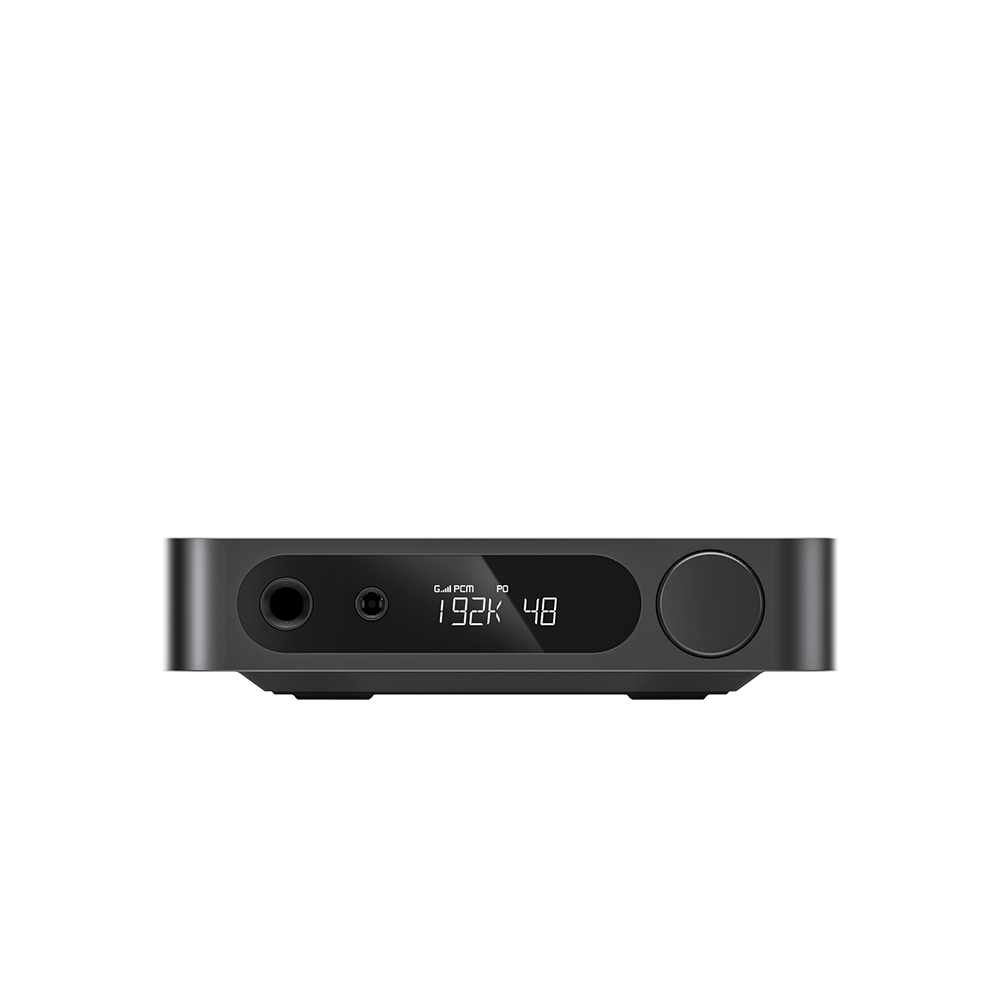













































9. How to use Bluetooth reception mode?
Function Overview
Receive audio wirelessly from mobile phones, digital audio players and other Bluetooth transmitters.
1.Supported Bluetooth codecs: SBC, LDAC
2.Bluetooth device name: FIIO BEATBOX
3.Bluetooth Reception only; Bluetooth transmission is not supported
First entry into BLUE Mode: Auto enters pairing mode.
Subsequent entries: Simultaneously attempts reconnection to previously paired devices and accepts new pairing requests.
While connected: Long-press Next Track button to disconnect and re-enter pairing mode.
4.Operation Steps:
Activate Bluetooth on your source device, search and select 【FIIO BEATBOX】 to complete pairing. The Bluetooth icon stops flashing once connected successfully.
Play audio via headphones or built-in speakers.
Notes:
1.Headphone output and speaker output cannot operate simultaneously; headphones take priority when plugged in.
2.FiiO players used as Bluetooth transmitters may experience pitch distortion or no audio output after reconnection.
