




























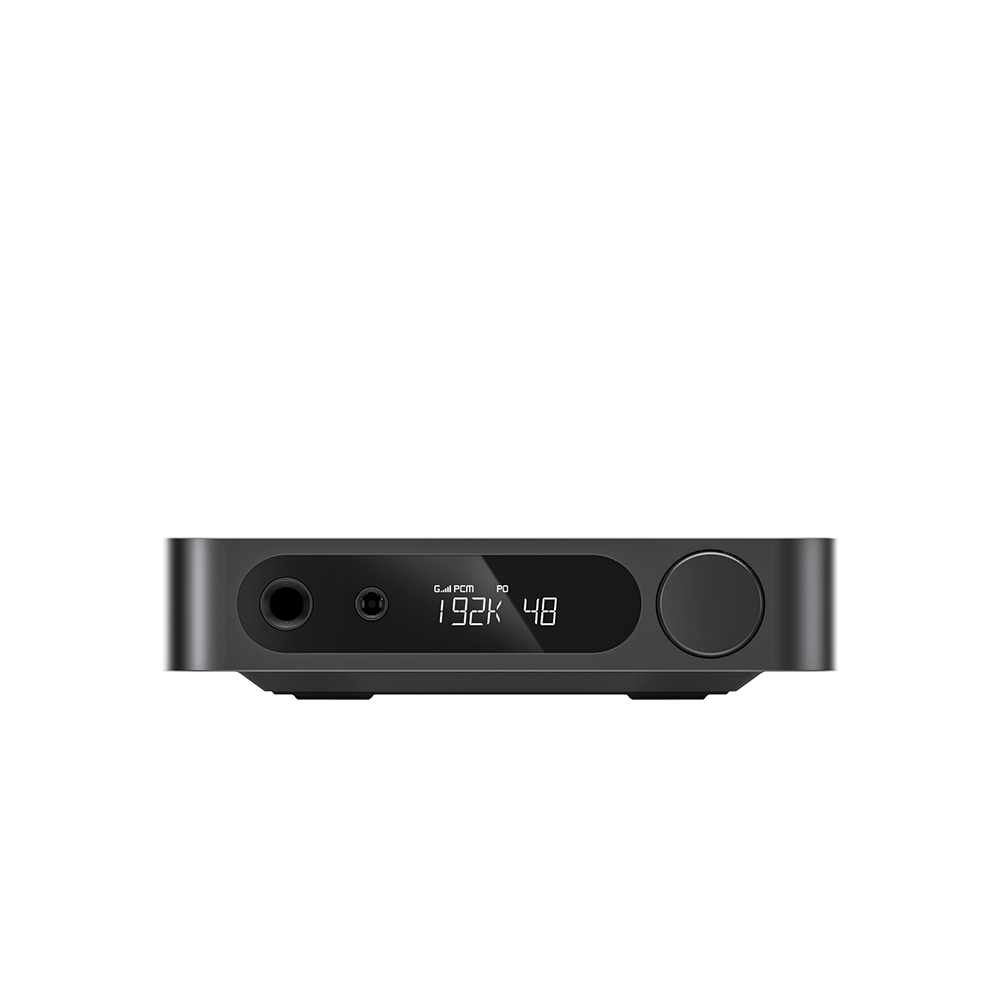













































13. How to use USB playback mode?
Function Overview
Play digital audio files stored on a USB-C flash drive.
Operation Steps:
1.Short press Mode Switch to enter USB Mode (display reads USB, white LED illuminates).
2.Insert a USB flash drive into the USB REC port; playback starts automatically once files are recognized.
Notes:
1.Supported U disk file systems: FAT32, exFAT
2.Headphone output and speaker output cannot output simultaneously; headphones take priority when plugged in.
3.Supported audio formats:
-
MP3, WMA (all sample rates)
-
WAV, FLAC (max 48kHz sample rate)
ꄘViews:0
