







































































The new firmware V2.2.0 for FIIO AIR LINK is now available!
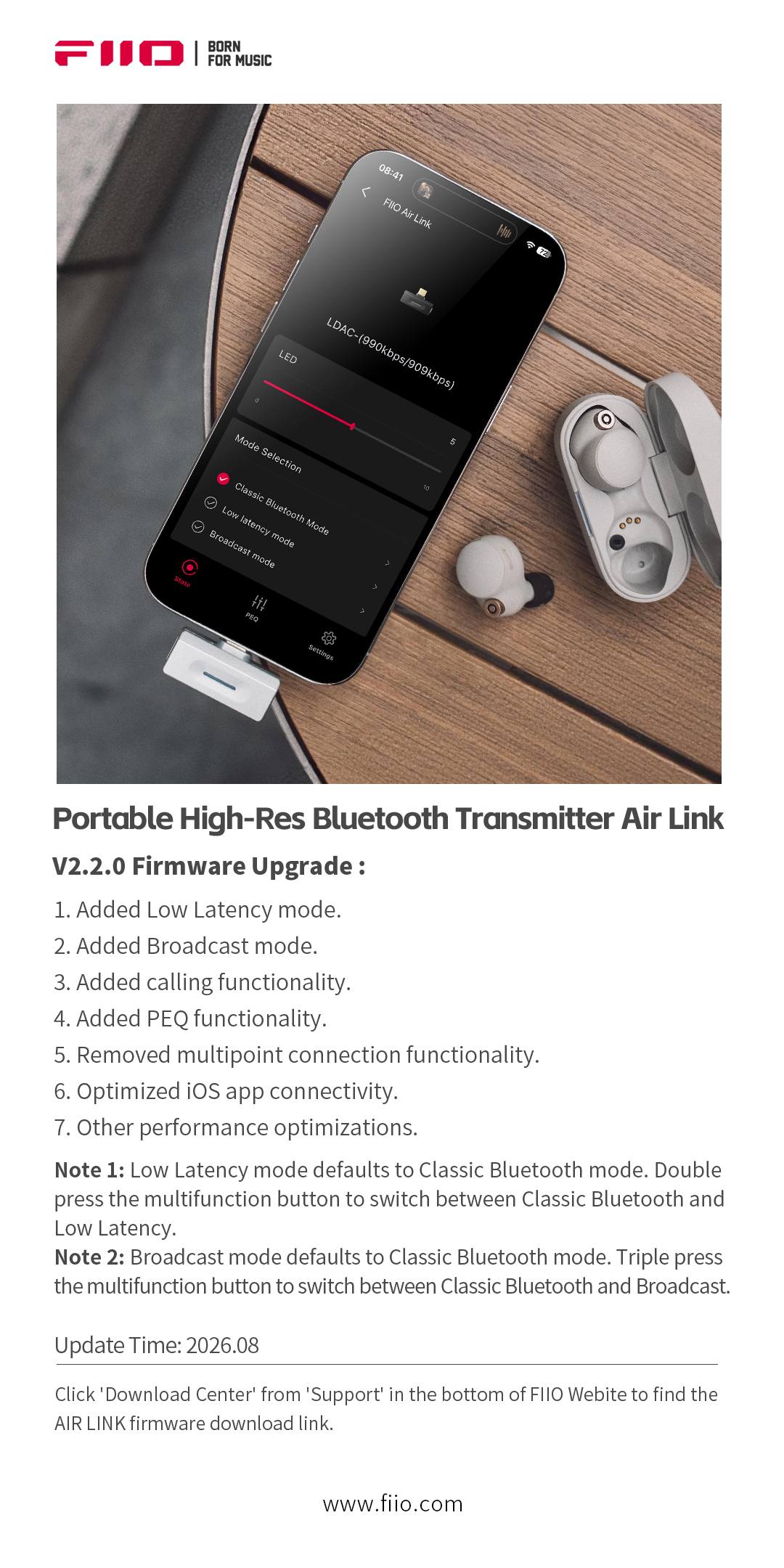
The portable high-definition Bluetooth transmitter Air Link has received a firmware update, now featuring LC3 support and PEQ functionality, further enriching the audiovisual entertainment, audio sharing, and personalized tuning experience. Meanwhile, the one-to-two (dual-stream) feature has been removed, and iOS app connectivity along with other performance optimizations have been improved for greater stability in daily use.
FIIO AIR LINK v2.2.0 firmware download link: Click here
Firmware Update Changelog:
Note 1: Low Latency Mode
-
The default mode is Classic Bluetooth. Double-press the multi-function button to switch between Classic Bluetooth and Low Latency mode.
-
In Low Latency mode, the codec is automatically selected based on device support, with the following priority:
-
If the device supports Unicast mode, LC3 is used by default.
-
If Unicast mode is not supported, aptX Adaptive-Low Latency is selected.
-
If neither Unicast mode nor aptX Adaptive is supported, aptX LL is selected.
-
If none of the above are supported, Low Latency mode is not available, and the device will function the same as in Classic Bluetooth mode.
-
Note 2: Broadcast Mode
-
The default mode is Classic Bluetooth. Triple-press the multi-function button to switch between Classic Bluetooth and Broadcast mode.
-
LC3 is used by default in Broadcast mode. The broadcast name and password can be configured via the app.
-
Auracast-compatible devices can be used to search for and receive the broadcast.
Note 3: LED and Voice Prompts
-
When the LC3 codec is in use, the indicator light will breathe blue.
-
When using LDAC or aptX Adaptive codecs, voice prompts will be added when switching modes via the button.
Note 4: PEQ Functionality
-
Supports 7 preset EQ profiles and 3 custom EQ profiles.
Note 5: aptX Lossless
-
The aptX Lossless sub-option under aptX Adaptive mode has been removed. In the new firmware, aptX Lossless is now included within the High Quality option. If the connected device supports aptX Lossless, it will be given priority.
Note 6: First-Time Connection with iOS App
-
When connecting to the iOS app for the first time after this firmware update, the Air Link does not need to enter pairing mode—it can be used directly.
-
Please note: you will need to delete the old Air Link device from the iOS app, as well as remove the Air Link from your phone's Bluetooth paired devices list. Then, clear the app from the background and relaunch it.
