









































































"Le" and enjoy a long vacation, go out with M11 latest firmware 1.0.4!
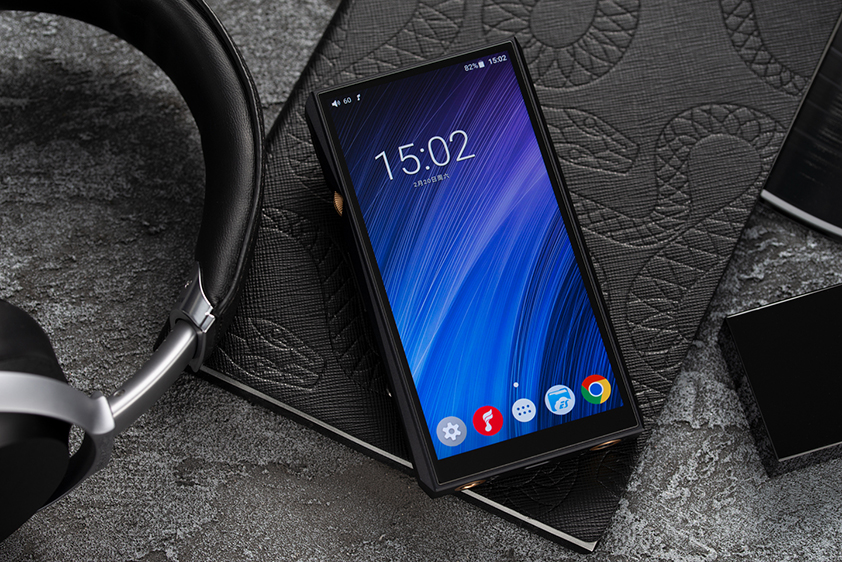
Feiao 12th Anniversary Grateful Feedback! A "VIPER HiFi" APP that can listen to/download DSD lossless sound quality online, Feiao M11 users will send three-month members worth 90 yuan free of charge!
Users who have purchased Feiao M11 can receive membership with SN code. For details, please visit:https://www.fiio.com/newsinfo/210952.html.
M11FW1.0.4changed the following based on FW1.0.3:
1. Fix the delay problem of the USB DAC. It supports 384K-32bit and DoP mode;
2. Fix the problem of unsynchronized sound and picture;
3. Repair the abnormal sound problem in the process of inserting headphones;
4. Fix the problem of sound popping on the bright screen caused by the inability to automatically jump in off-screen playback;
5. Fix the problem that there is a chance to interrupt the download when the screen is turned off during download;
6, repair boot direct use of web page play no output problem;
7. Optimize EQ algorithm and interface display;
8. Optimize FiiO Link function;
9. Optimize some performance.
Download VIPER HiFi:http://fiio-file.fiio.net/viper-hifi.apk
M11 FW1.0.4 download link:Click
How to upgrade M11 firmware:M11 supports online upgrade. If a new version of the WiFi connection is detected, the new version will be displayed in the notification bar. Click to go to the update page. You can also go to the "Technical Support-Firmware Upgrade" page and manually click Check Update to confirm whether there is a new version, or download the firmware from the official website and copy it to the built-in storage or TF card of the machine. Enter from Technical Support, click "Firmware Upgrade-Local Upgrade" and select the corresponding firmware and click Upgrade.
